Land, maps and consultation
Your land, on your own map.
Treaty areas, reserves, harvesting areas, government data and your own research, on one map the Nation controls. When a referral comes in, see what it touches.
How it often works now
To see your own data, you call them and ask.
The email inbox becomes the real archive.
Dates, who was there, who did the interview: all inside long PDFs.
"An outside company holds the raw data well organized, but nobody here can get at it."Paraphrased from a call with a First Nation consultation researcher, October 2026.
Layers you choose
Add your territory, traplines, reserve lands, treaty boundaries and your own places. Turn each layer on or off. Pick its colour and line style.
Share a link and your co-worker sees the same view. They only see the items they're allowed to see.
Government data, next to yours
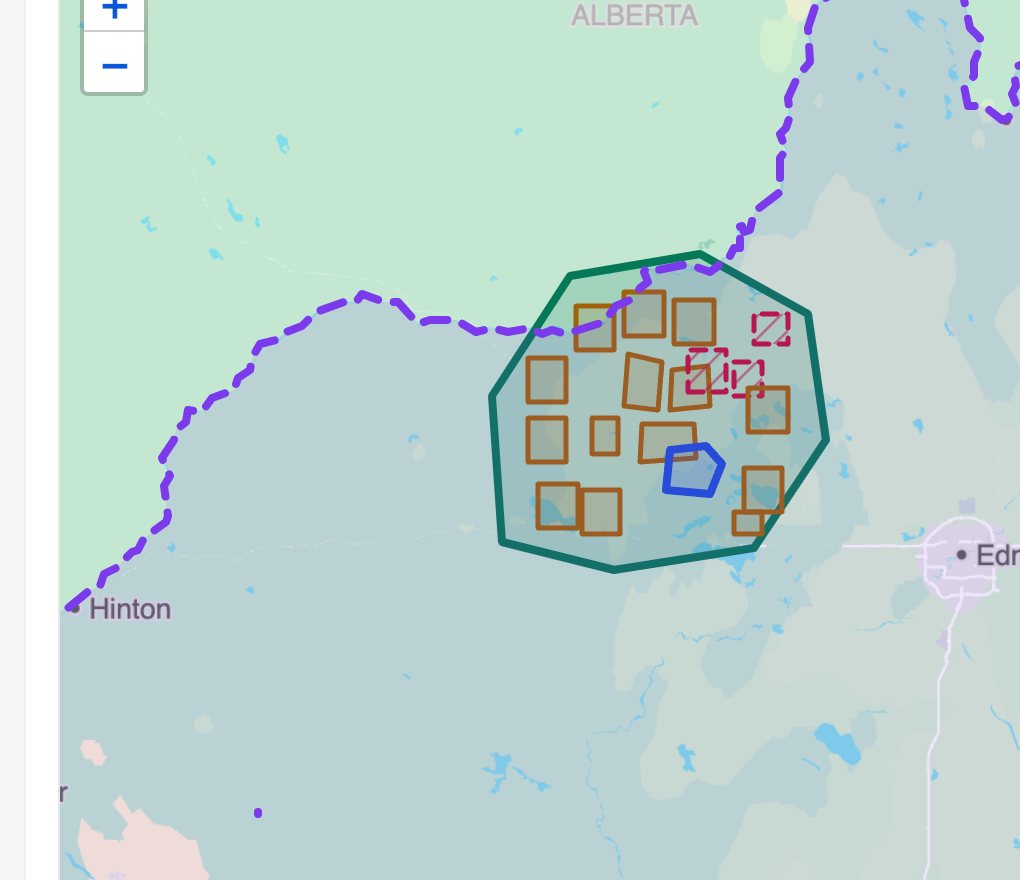
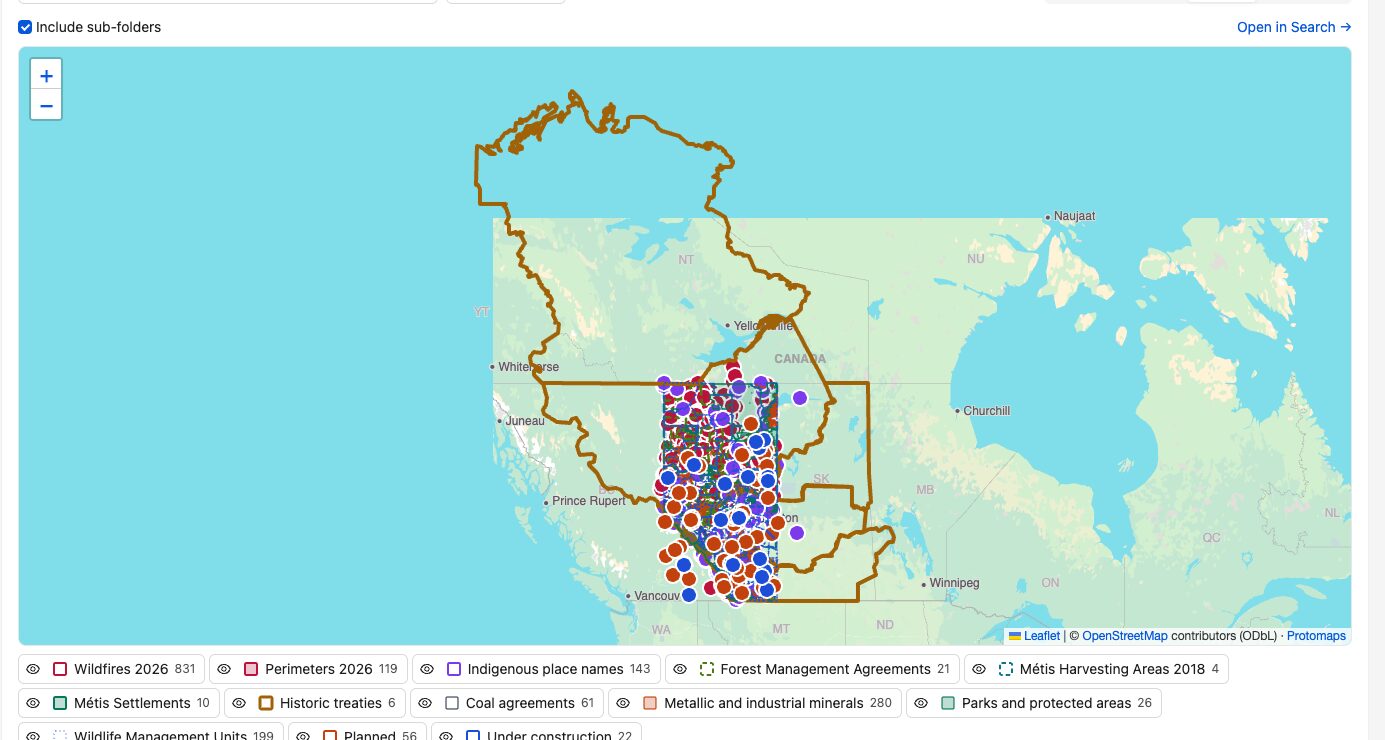
Bring in public layers from Alberta and Canada: wildfires, forest management agreements, coal agreements, mineral agreements, parks and more.
See them on the same map as your harvesting areas and sites. No GIS staff needed to look.
Consultation
A referral comes in. Does it touch us?
From email to alert, with the deadline
- Forward or CC the referral email to SovereignD. It's filed with its map and attachments, and stays searchable.
- SovereignD reads the location from the referral: a map file, a shapefile or coordinates.
- It checks the location against your watch areas, like traditional territory or a trapline.
- If they overlap, the right people get an alert with the response deadline, and the referral shows on the map.
- Put it on a board to track the response and who's on it.
Sensitive areas stay private. The alert can say "overlaps a protected area" without showing the shape to people who aren't allowed to see it.
Elders' interviews, with the map following along
Play an interview, and the map moves to each place as the speaker talks about it. Open a person, and see everything they've talked about in one place.
Recordings and their transcripts are searchable, and every line has a time. Places, people and events can be linked to each recording.
Sacred sites stay protected
Limit a site to named people. Others don't see it on the map, in search or in exports.
Draw your own places
Mark a site, an area or a route right on the map, and link it to stories and documents.
Dates and places together
Use the timeline to see what happened on the land in a given year. See the archive