Members and portal
Your membership list, kept in one place.
Keep the registry up to date. Let members see their own record. Share documents with them safely.
However a change comes in
- Phone: “I moved to Lot 22”
- Email: a name change
- Paper form: a new baby
- Front desk: a new address
Everyone else has to ask them, and wait.
Phone calls, emails, paper forms and notes at the front desk.
A member needs proof of membership, and someone types it up again.
The registry
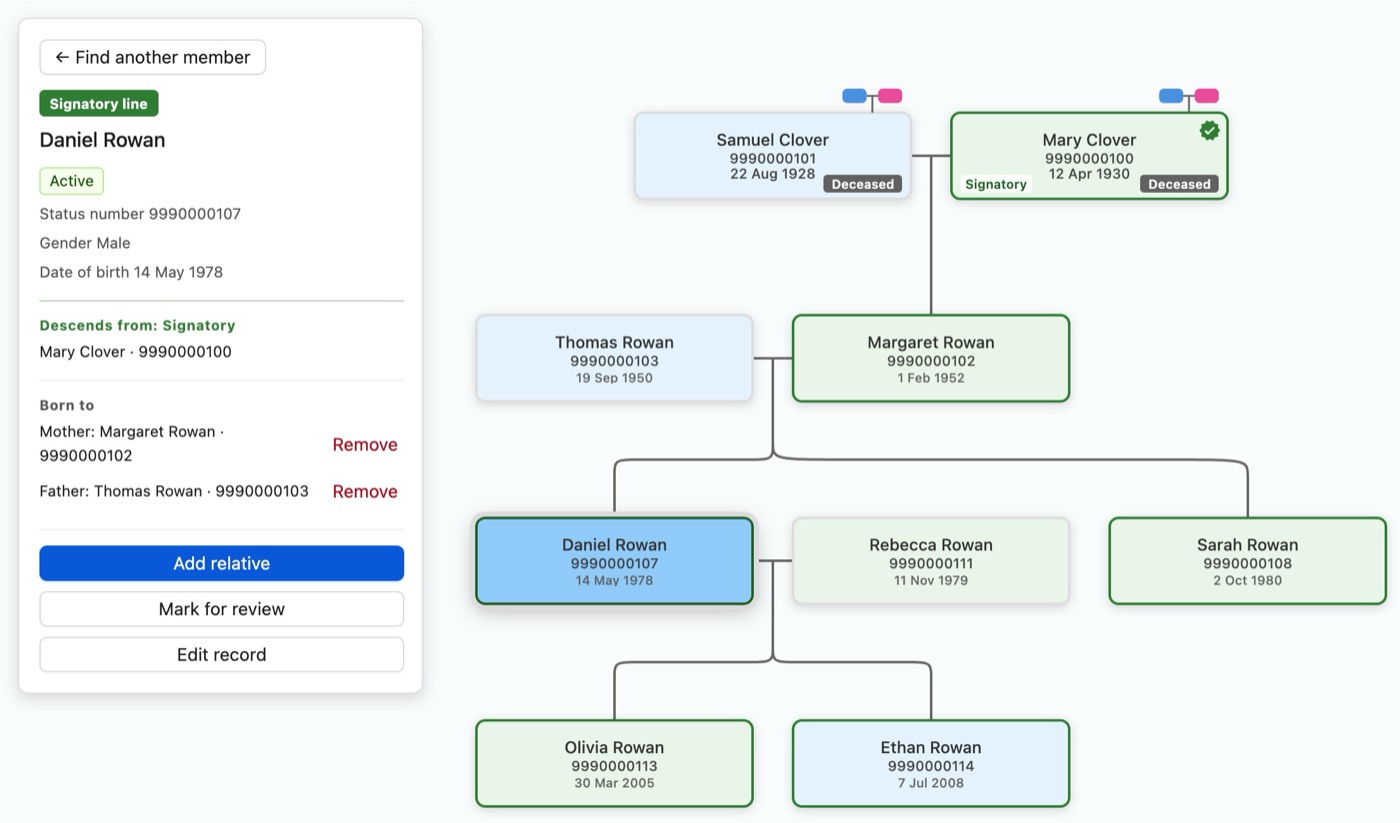
Each member has one record: status number, membership status, family, contact details and notes. Everyone on staff works from the same list.
- Filter to find applicants, members who passed away, or people who aren't members.
- Keep the federal status number and status code with each member, next to your own membership list.
- Record parents and children, and see the family tree.
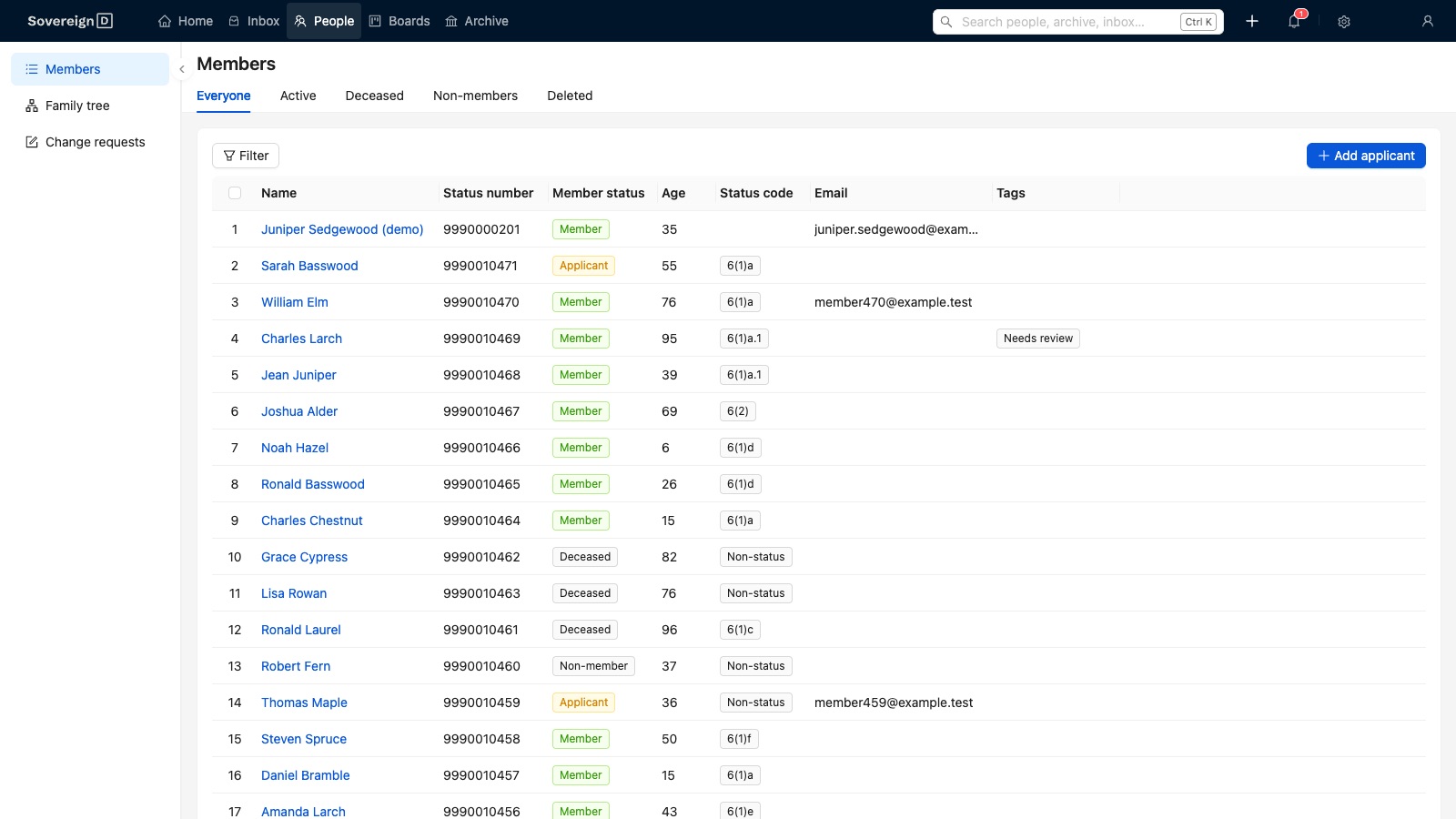
A member's family, back to the paylist
Family history shouldn't live in one person's head.
Find a member and see their family, generation by generation, back to a treaty signer or another ancestor your membership rules name.
Attach the source to the person it names: a scanned paylist page, a baptism record, a letter. The proof sits next to the person.
Fix the gaps, one at a time
Old lists have holes. A burn-down list shows every member missing something, like a parent, a current address or a status card that's about to expire.
Open the first one, fix it, press Next. You can skip one, snooze it, or hand it to someone else. The count goes down as you go.
Burn-down lists
- Missing parents210 left14 done this week
- No current address495 left22 done this week
- Status cards expiring before 31 Dec38 left5 renewal letters sent this week
Numbers for funding reports
Count members by age, on and off reserve, for an annual report or a funding application. Download the table and paste it in.
Members by age · for the annual report
| Age | On reserve | Off reserve | Total |
|---|---|---|---|
| 0–17 | 212 | 140 | 352 |
| 18–64 | 498 | 611 | 1,109 |
| 65+ | 88 | 54 | 142 |
A portal for members
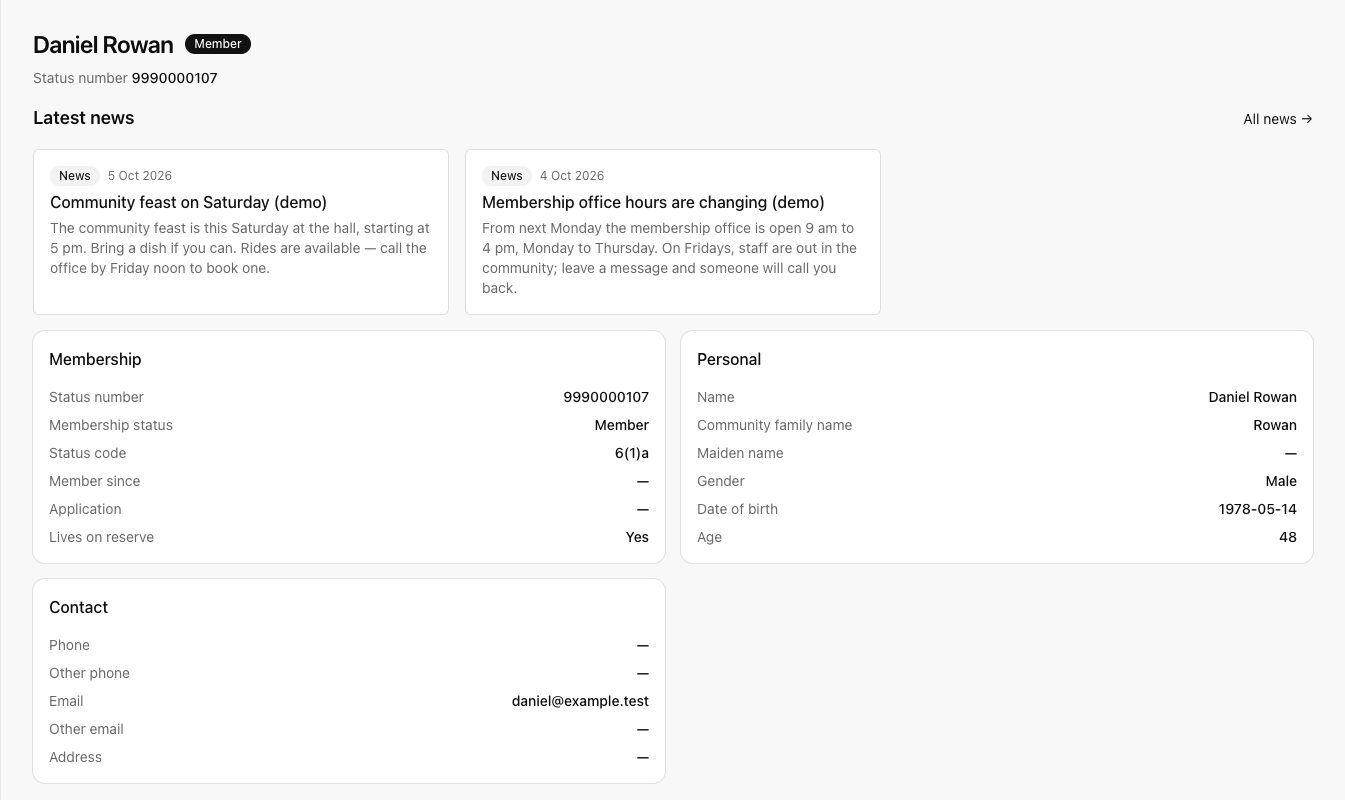
Members sign in and see their own record, their family and news from the band office.
If something is out of date, they ask for a change. Staff look at it before anything changes on the record.
Office hours, phone numbers and who to call are on the same page.
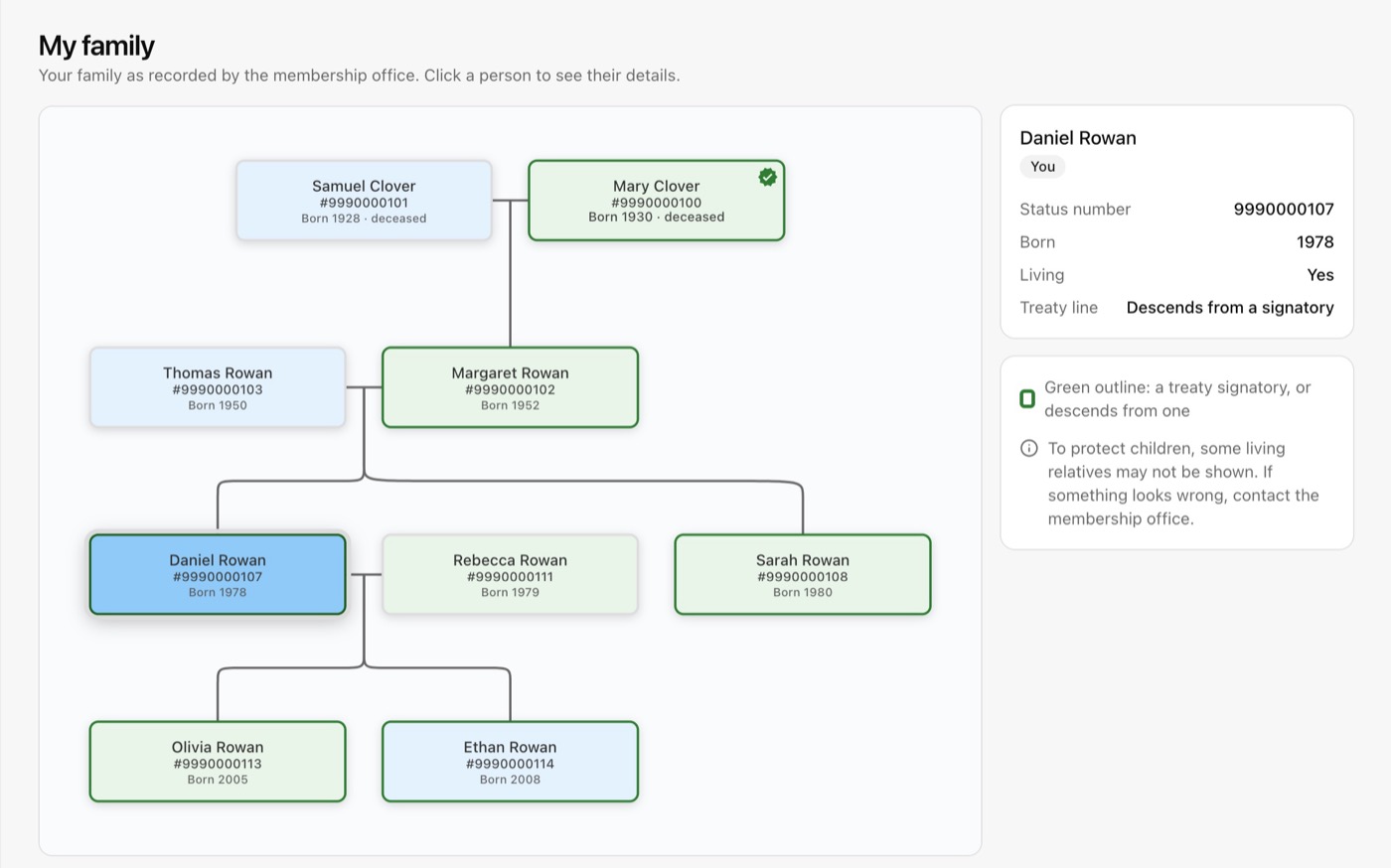
Members see their own family
Under "My family", a member sees the family the office has recorded, and whether they descend from a treaty signatory.
To protect children, some living relatives can be left out. If something looks wrong, the member contacts the office.
Letters members can get themselves
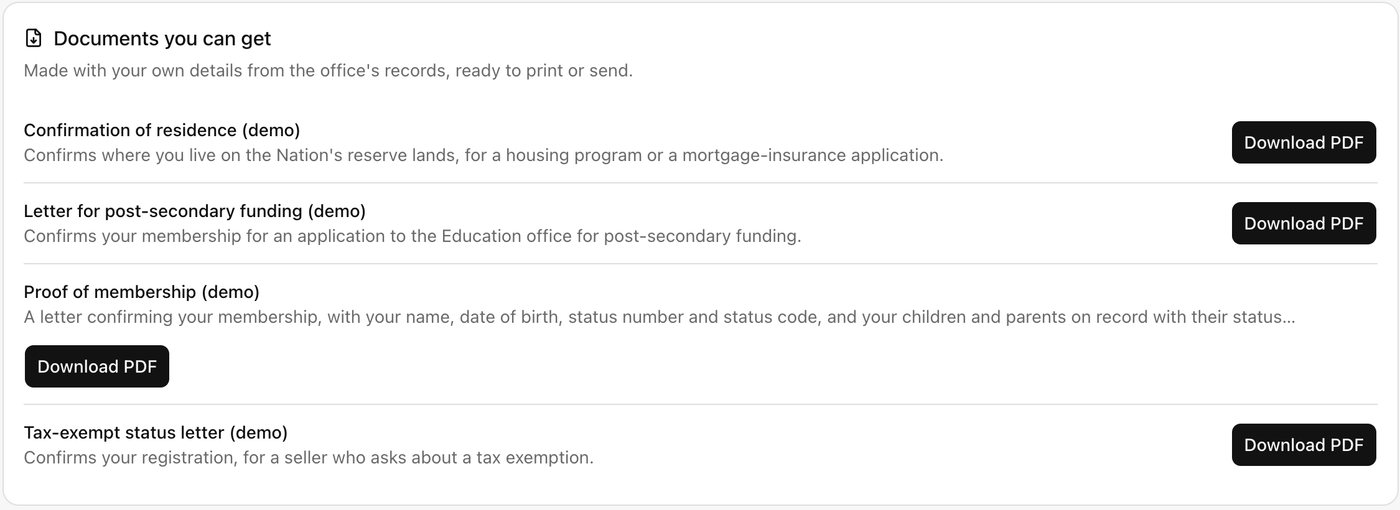
A member can download the letters they need, made from their own record, any time of day: proof of membership, confirmation of residence, a letter for post-secondary funding.
Staff set up each letter once, as a Word document with blanks. SovereignD fills in each member's details.
Share a document, safely
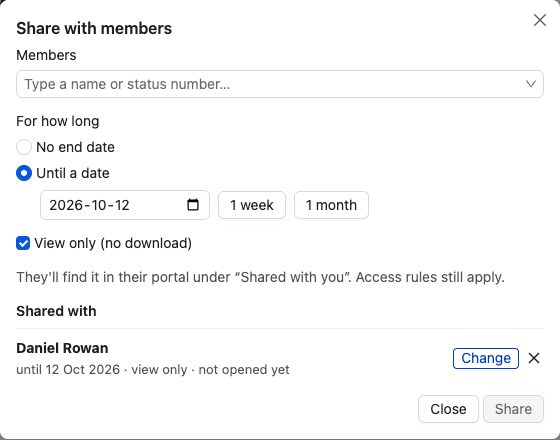
Staff can share one document with one member, like an estate file with the executor. Pick an end date, and tick "view only" if it shouldn't be downloaded.
The member finds it under "Shared with you". Staff can see if it's been opened, and stop sharing at any time. Access rules still apply.
Shared with you (1 new)
- New Estate file, the late Margaret Rowan · until 15 Dec 2026 · view only
- Rowan family estate papers · until 12 Oct 2026 · view only
Mail from members goes to the right place
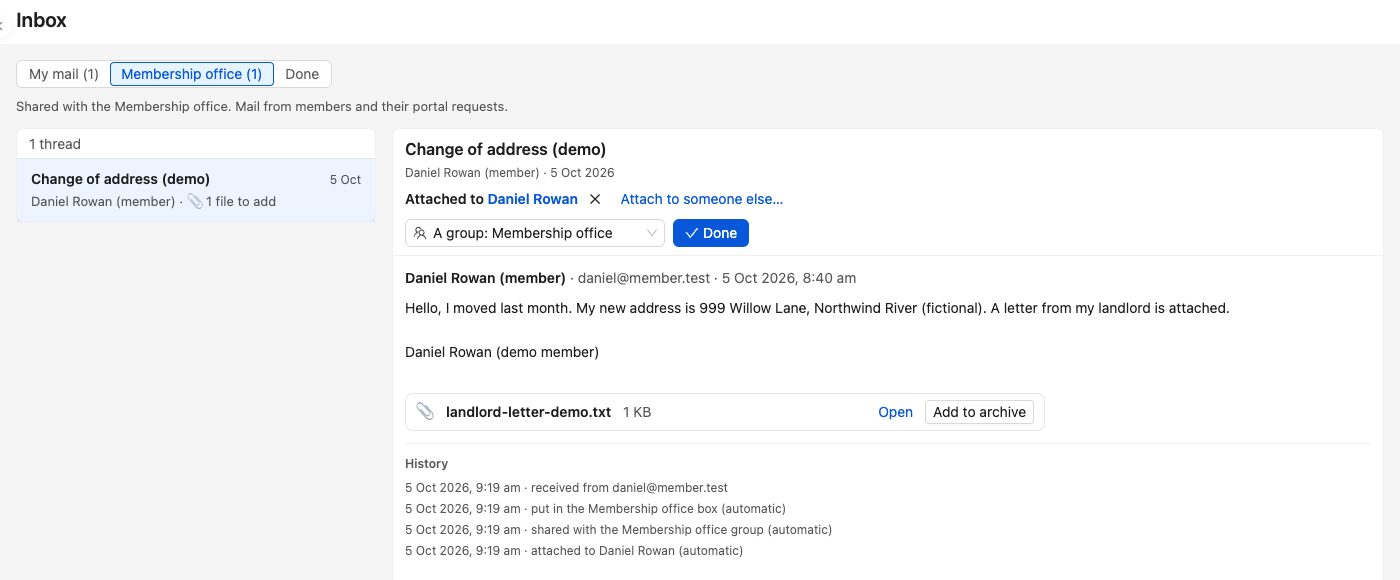
Members email the office the way they always have. The message lands in the Membership office box, shared by the people who work there, and is attached to that member's record.
You can see what happened to each message, and when.
Moving your list in
Bring your spreadsheet. We move your current list in as part of setup.
Members who don't go online
They keep calling or coming in, same as now. Staff update the record for them.
Who sees a member's record
Staff you choose. A member sees only their own record and family, never anyone else's.